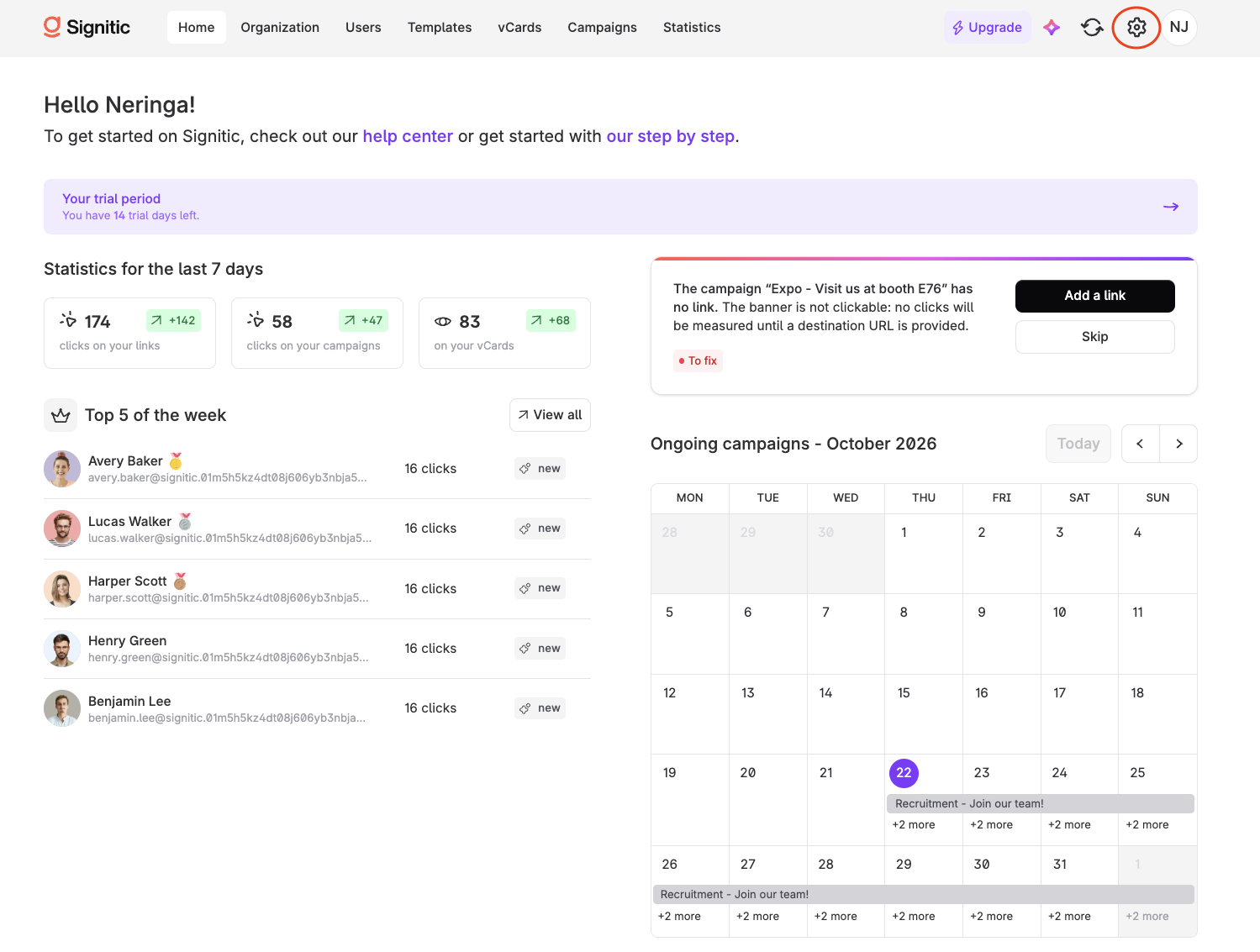
Navigate to the platform’s Settings section.
There, you’ll find predefined roles that let you safely delegate email signature management.
You can then assign the predefined role to users by clicking View.
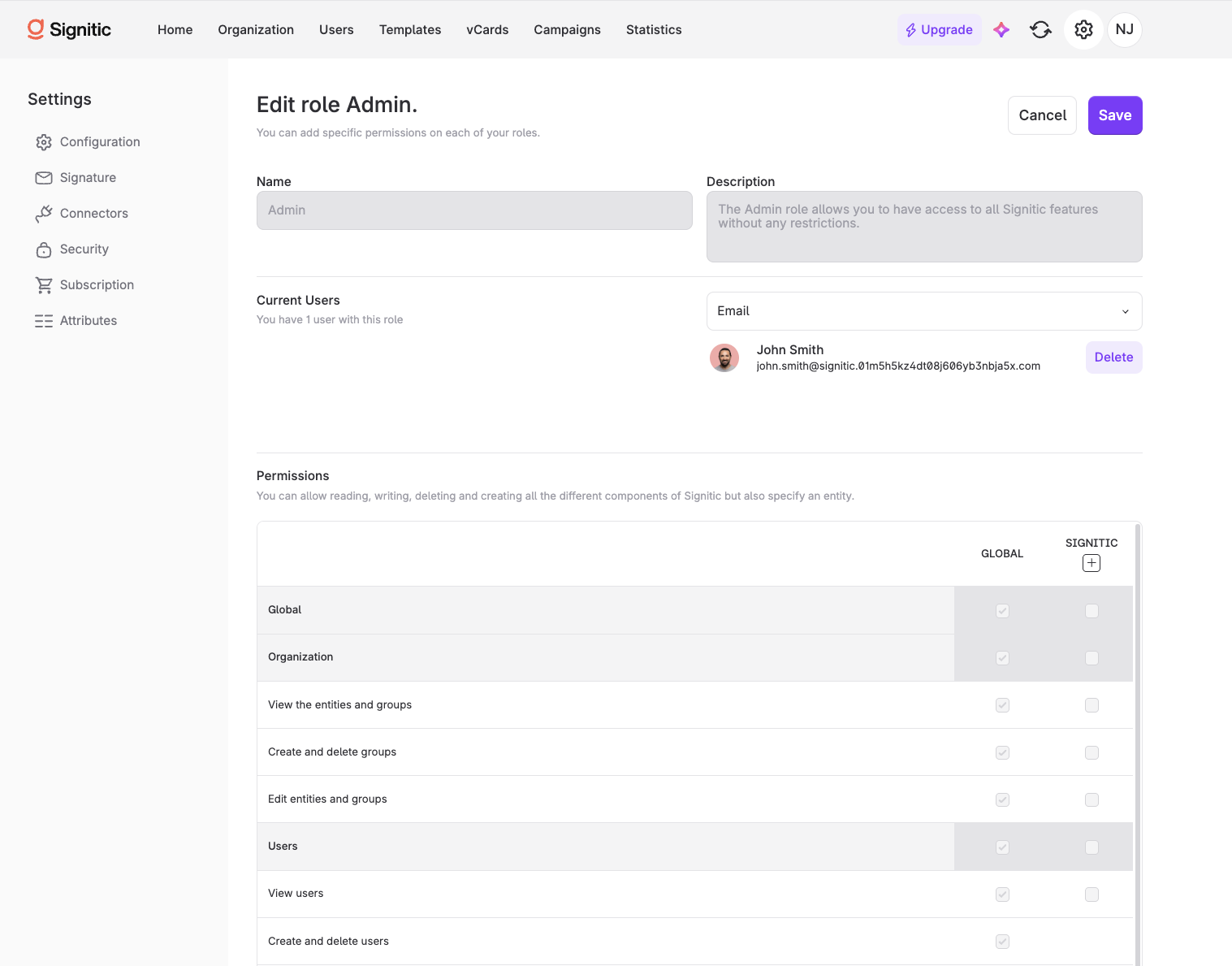

Predefined roles cannot be changed.
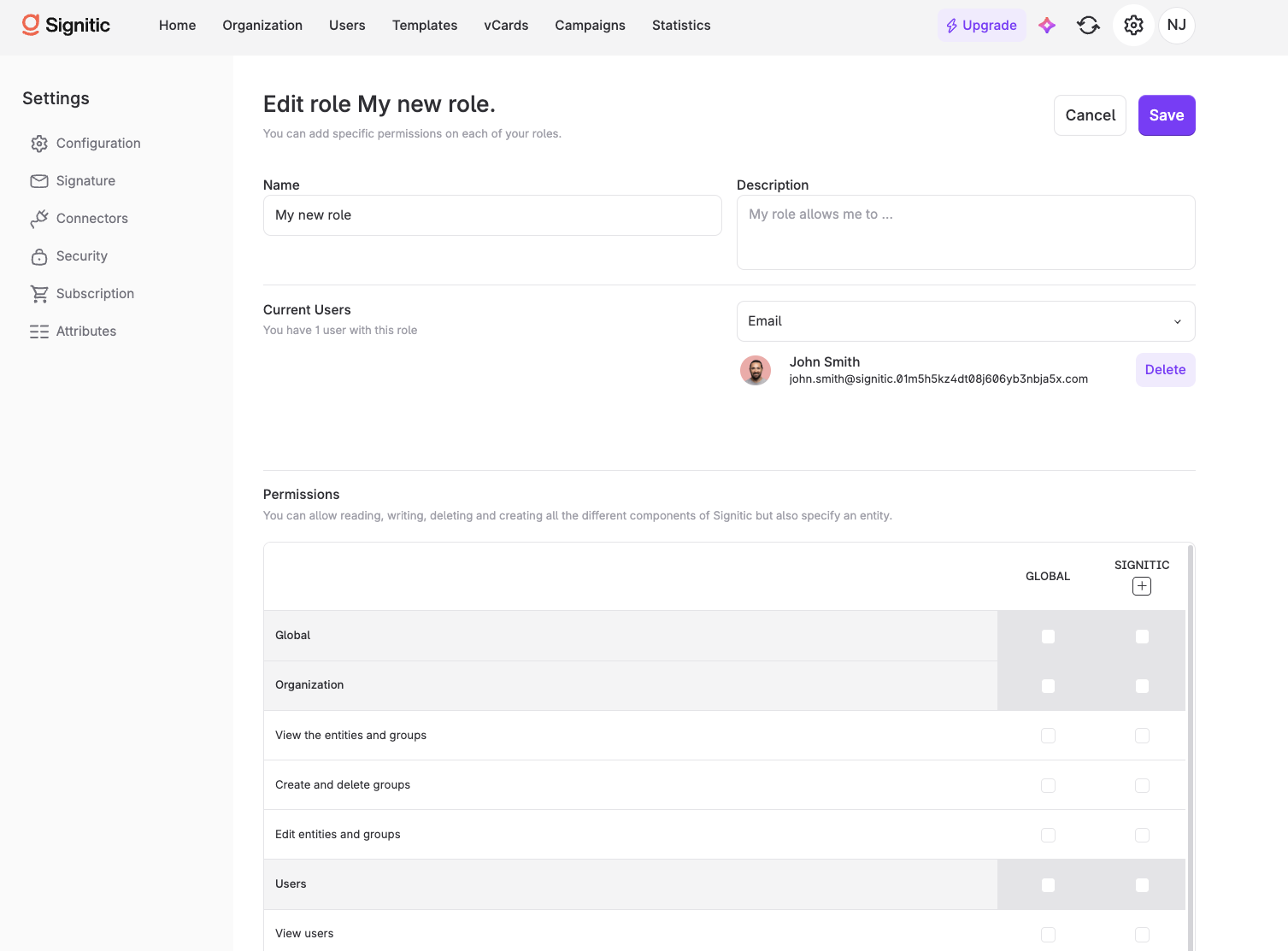
👉 If none of the predefined roles meet your requirements, you can create a new one and manually enable each access permission.
You can assign it to the users of your choice on the same page.