
You can manage campaigns in the designated “Campaigns” section:
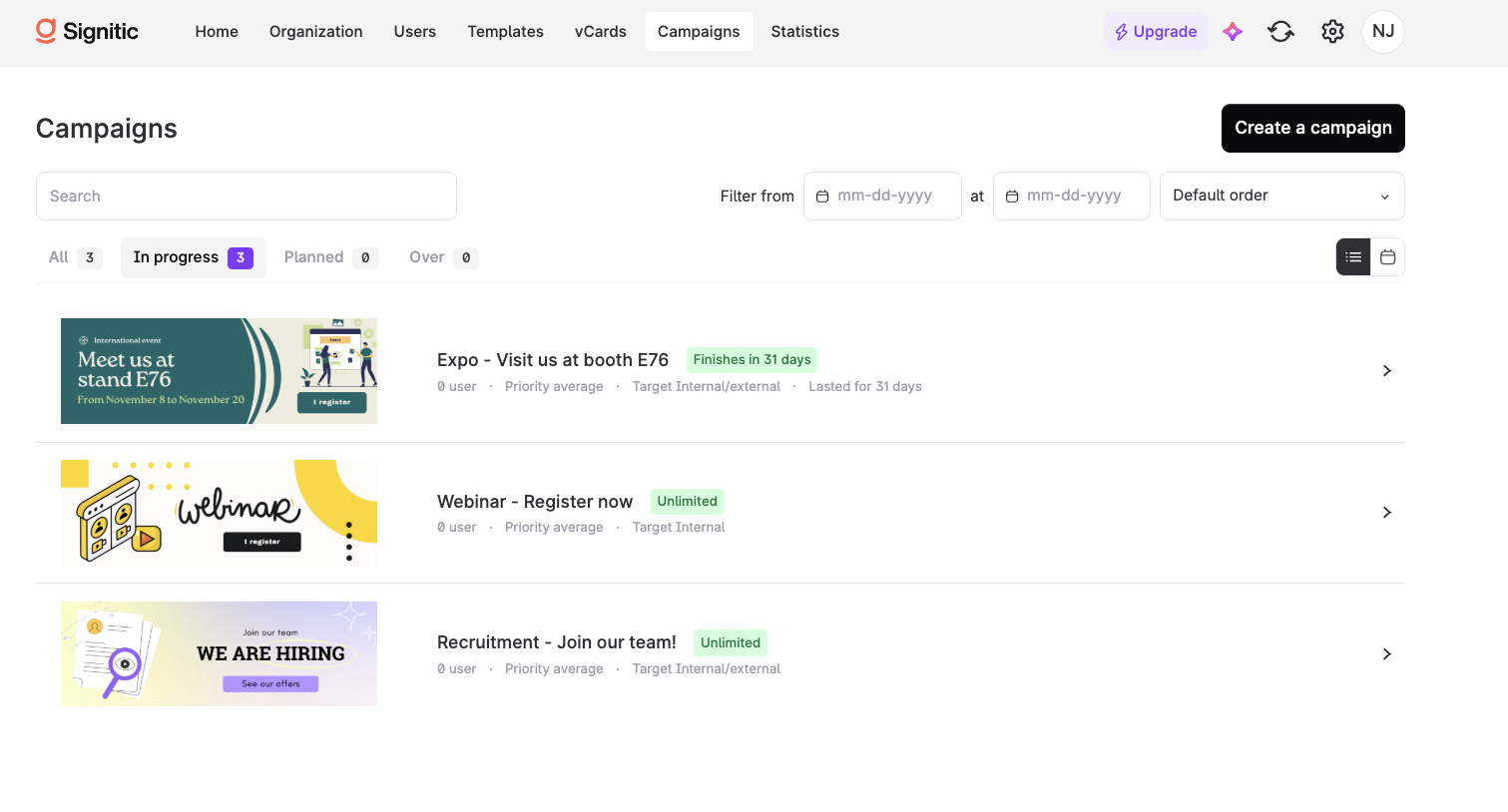
💡 The differences compared to Coral (ex. Mailtastic):
clear display of the file size of images selected for your campaigns
native Canva integration for creating and importing graphics
custom adjustment of the height and width of your images
precise preview tool with various scenarios (new message/reply – internal/external)
no tracking of views, only clicks – for better email deliverability
campaigns can be assigned to individual users or individual users can be excluded from campaigns

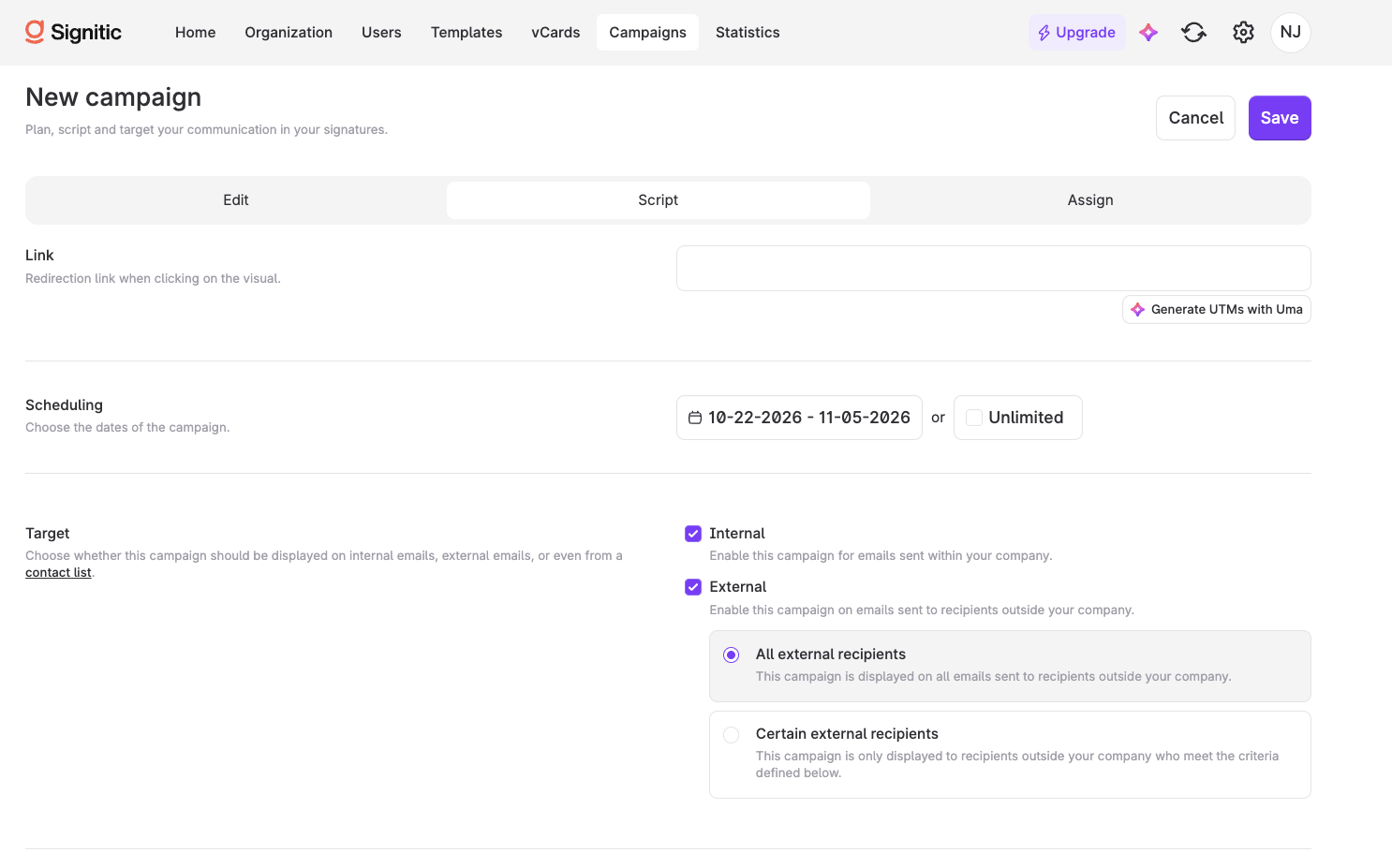
You no longer need to create two types of campaigns. Each campaign can be designated as external or internal and used for specific ABM targeting.

Alt text ≠ text formatting
👉 Alt text allows you to describe the image for people with visual impairments.