
Manual integration
Admin:
You can generate an instruction email for employees under ‘Company - All employees’ by clicking on the cogwheel on the right-hand side of the respective row.
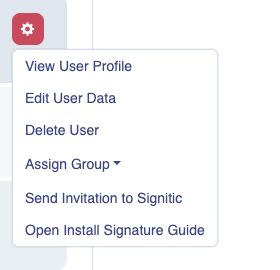
This contains the link to the so-called End User Cockpit.
There, employees can edit their shared data or install signatures in the desired client.
If your company uses M365 or Google Workspace, employees can also log in directly to the EUC at coral.signitic.com using the ‘Sign in with Microsoft (or Google)’ button.
For end users: Once you have received your link from the administrator, click on ‘Install your signature’ and select the desired integration from the respective box.
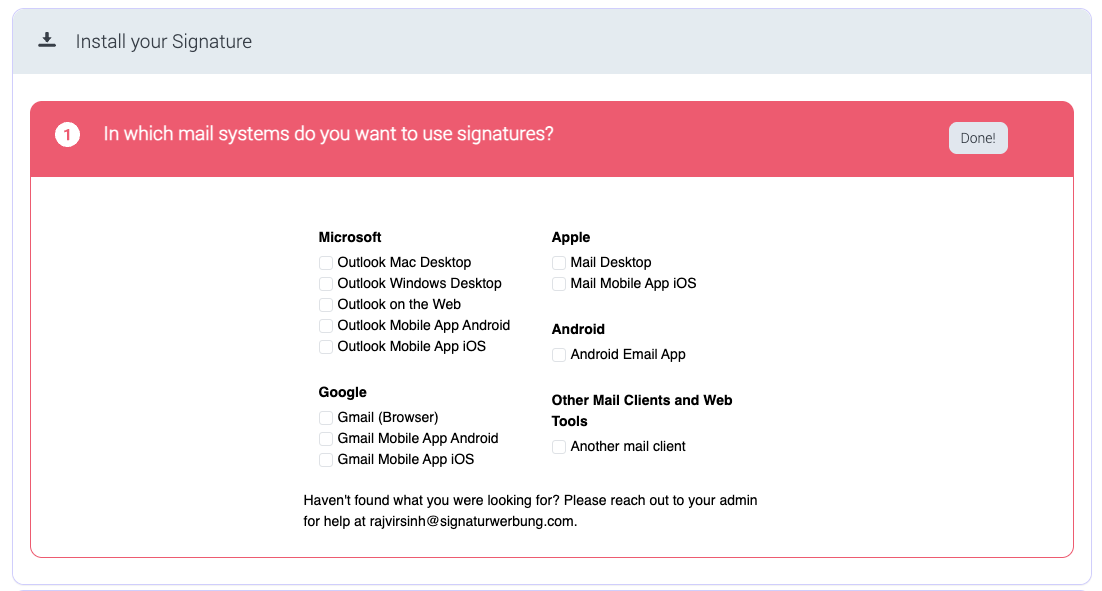
For manual installation, please select ‘Other Mail Clients and Web Tools’ at the bottom right.
Now click on ‘HTML Signature’ and then select the desired signature.
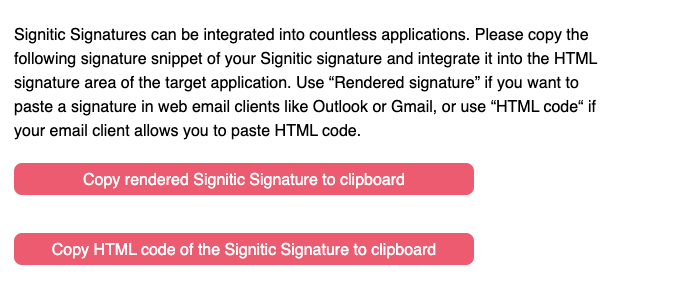
If you scroll down further, you can copy the signature to the clipboard by clicking on the button and then paste it into the destination.
Do you still have questions?
No problem - we will be happy to help you personally! Simply use our free live chat (below right).